Cloud Computing
Cloud Migration Checklist for Small Teams
A cloud migration checklist for small teams: inventory, dependencies, data transfer, cutover, rollback and the first month of running in the new environment.
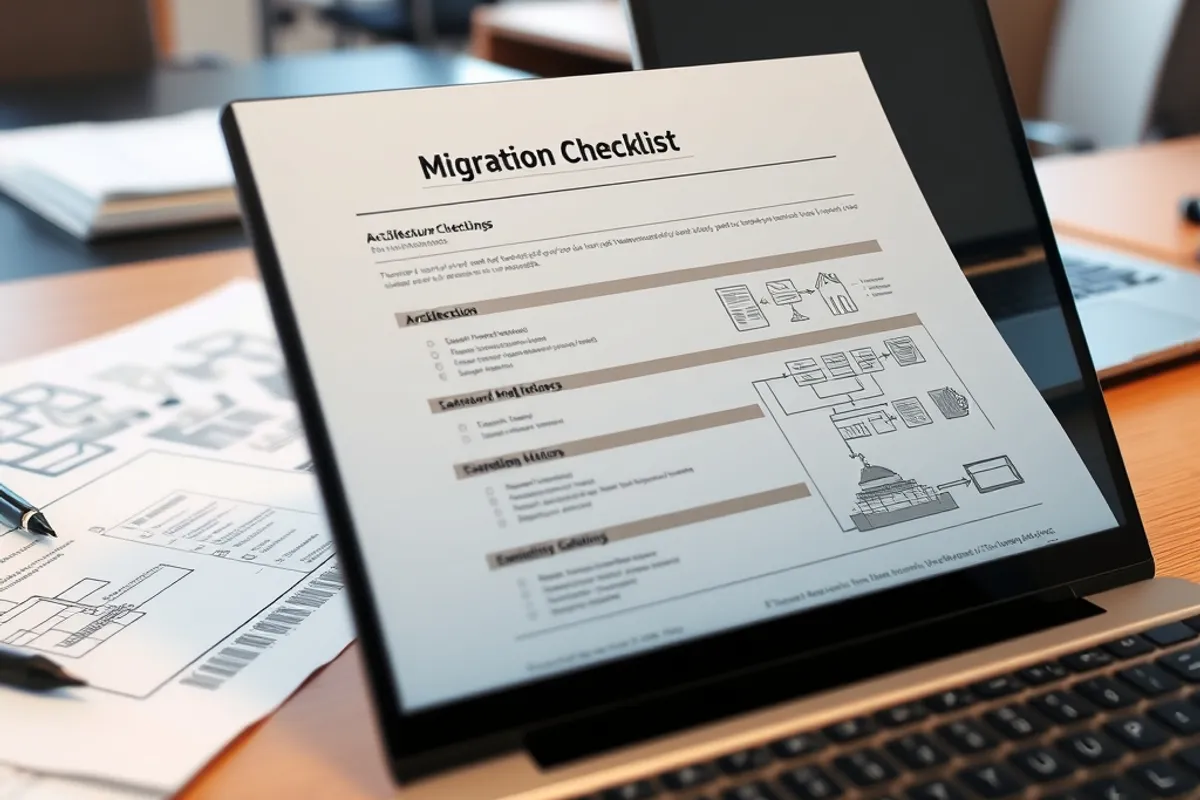
A cloud migration rarely fails because the target platform cannot do the job. It fails because of an assumption nobody wrote down: a scheduled job that only ran on the old server, a DNS record with a short TTL that nobody lowered, a certificate that expired during the cutover, a database user with permissions that did not survive the export.

Inventory what you actually run
List every service, scheduled job, cron entry, background worker, storage bucket and external integration. For each one, note the owner, the data it touches and how it is reached. The list will be longer than expected; that is the point. A migration plan built on memory misses the job that runs at 3 a.m. once a month.
Then map the dependencies between them. Which service calls which, and what happens if one is slow? A migration changes latency and network paths, so a call that was local becomes a network hop. Mark the ones that must stay together and the ones that can move separately.
Migrate the smallest thing that proves the path, then move the rest with evidence.
Plan the data before the servers
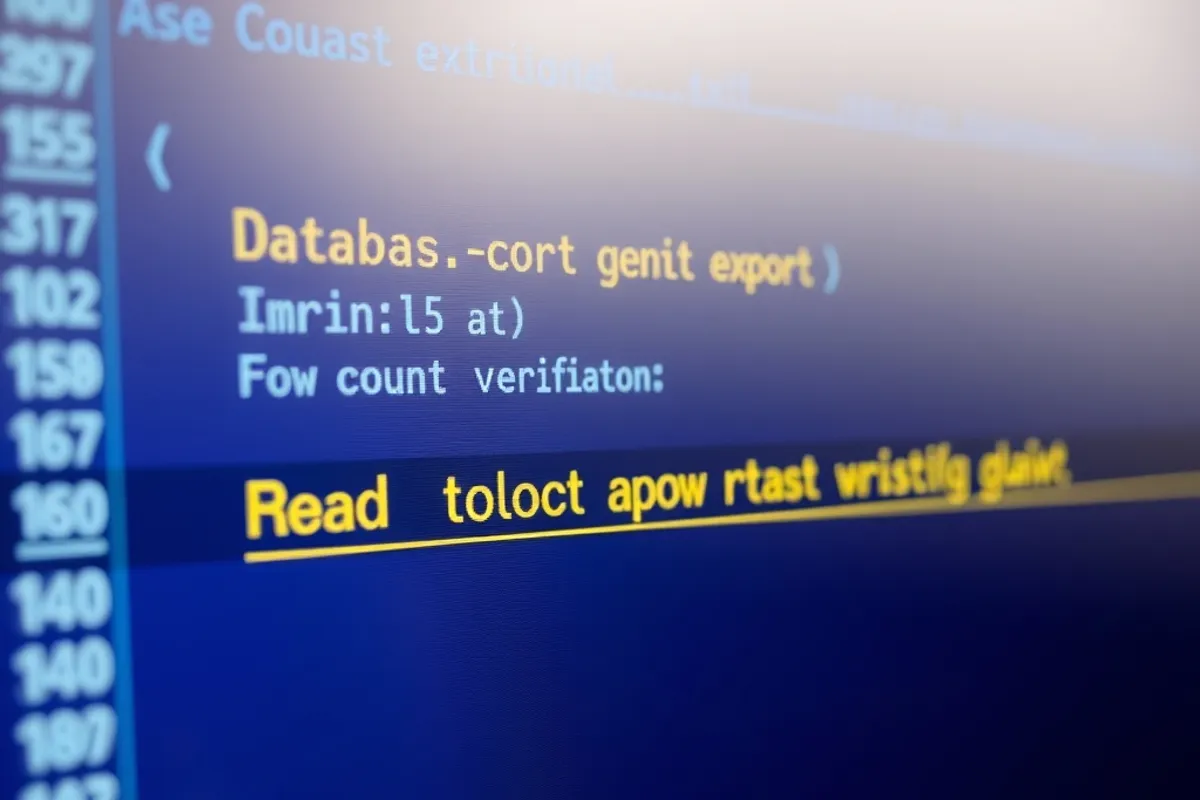
Data is the part that cannot be rushed. Measure the size, the write rate and the acceptable downtime. Decide how you will copy it, how you will verify it and how you will keep it in sync during the cutover. For a database, a dump and restore is fine for small data and a bad idea for a busy one; use replication and a short write freeze instead.
Test the restore into the new environment at least once before the real move. Check row counts, indexes, sequences and permissions. A restore that completes is not the same as a restore that works; run the application against the copy and click through the important paths.
The checklist
Work through this in order and write the answer next to each line. If a line has no answer, the migration is not ready for a cutover date.
Inventory of services, jobs, buckets and integrations. Dependency map and the calls that must stay local. Data size, write rate and acceptable downtime. Restore tested in the new environment. DNS TTL lowered at least a day before cutover. Certificates, secrets and environment variables copied. Monitoring and alerts pointed at the new environment. Rollback plan with a tested path back. Owner and communication plan for the cutover window. First-month review date in the calendar.
Cutover and the first month
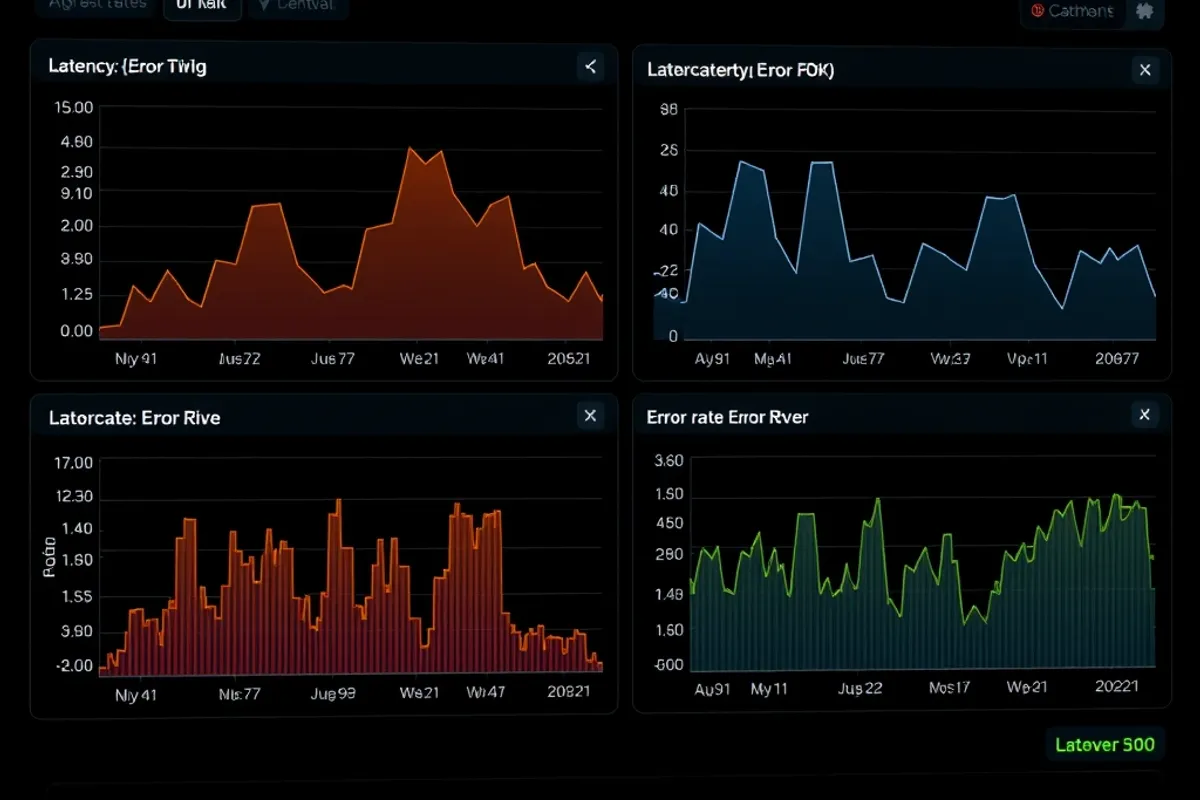
Choose a quiet window, keep the old environment running and switch traffic gradually if you can. Watch error rates, latency and queue depth, not just whether the page loads. Have one person who can make the call to roll back, and make sure everyone knows who that is.
The rollback plan deserves real work. Decide what triggers it, who decides, how long it takes and what data written after the switch will be lost. A rollback that takes six hours is not a rollback; it is a second migration.

What usually goes wrong
The three most common failures are a DNS record that was not lowered in advance, a scheduled job that lived only on the old host and a permission that was granted by hand years ago. Each is cheap to check and expensive to discover at midnight. Put them at the top of the list.
After the move, keep the old environment for a week or two, then decommission it deliberately. Delete the credentials, close the firewall rules and remove the DNS records. For the bill that follows, read our cloud cost guide.